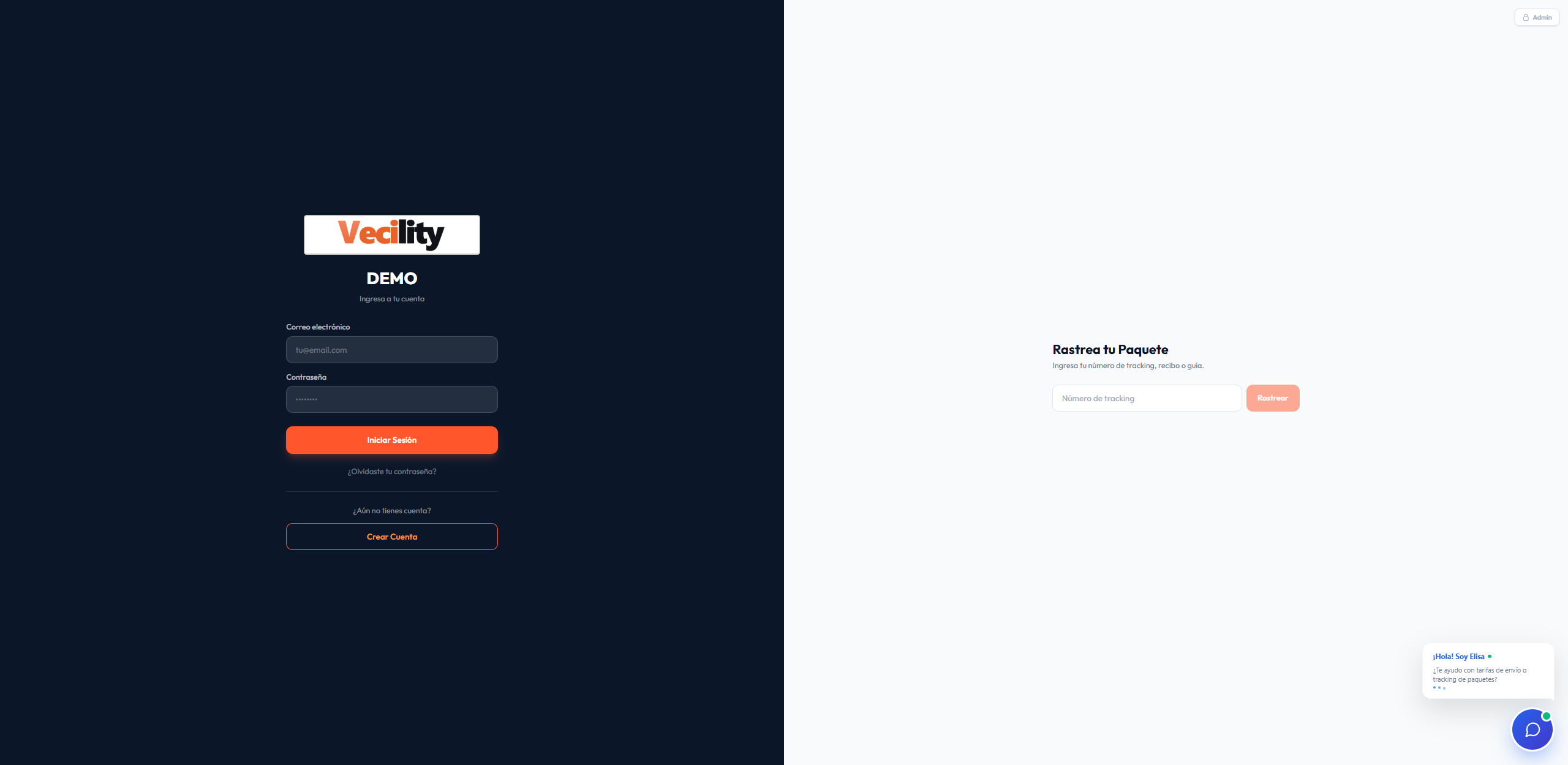
Courier software demo:
from mailbox to delivery, built around your operation.
A purchase passes through many hands. Your system should let you follow it without losing the link between the customer, the package, the shipment and the charge.
What you will see in this courier system demo
The tour uses screenshots of the system with short explanations. You can move action by action, jump to a stage or enlarge a screen to check its details. If you are comparing options, we also have a guide on how to choose the best software for your courier agency.
Sign-up and mailbox
The customer opens their account and finds their mailbox details. Your team looks them up from the panel. The link to every purchase starts with a clear identification.
Purchase notice, or pre-alert
The customer enters the tracking number and describes what they bought. They can attach the invoice. Your team has that notice ready to match against the package when it arrives.
Warehouse intake
Scanning helps identify the package. Then the warehouse receipt brings together the contents, weight, dimensions and any photos. The customer checks their packages from their account.
Shipping request
The customer chooses which packages to ship, the mode and the destination. The request gathers their instructions so the team can prepare the dispatch.
Consolidation and packing
Your team prepares the packages that will travel together and confirms the packing measurements and weight. This stage connects the request with the physical preparation of the shipment.
Master bill
The master bill groups the shipments of one departure. From it you check the route and totals, and you can prepare draft invoices for review.
Arrival at destination
The team records transport progress and receiving at destination. The customer checks the available information on their shipment record.
Invoice, payment and delivery
The customer checks their invoice and reports the payment. Your team reviews the report: the balance updates when it is confirmed. Delivery is recorded as one more action in the process.
Custom courier software starts with understanding your operation
Customizing software goes well beyond swapping the logo. The conversation starts with how you receive packages, who checks their details, how you prepare departures and what each person needs to look up.
At Vecility we can work with you to adapt the system to the way you operate. The demo is a starting point to identify what already fits your business and what is worth adjusting. Specific changes are reviewed with you to define their scope.
To talk about custom software for your courier, bring one example shipment and the decisions your team makes along the way. A concrete case is far more useful than a long list of features.
- Intake: how you identify purchases and what you record at the warehouse.
- Preparation: when you group packages, which instructions you check and how you confirm packing.
- Billing: how you set your rates and who reviews invoices and payments.
- Support: what information the customer needs and when your team steps in.
With that context we can tell apart what is solved through configuration from what needs specific development. That way the proposal answers your operation and has a clear scope.
Before we talk, read the six signs your software does not fit your operation (in Spanish) and the questions worth asking.
What to check before choosing courier software
Ask to be shown how data connects across stages. After creating a request, check where the warehouse finds it. After reporting a payment, check what the customer sees and what your team has to confirm.
Look at the cases that need a person to step in too: a package with no prior notice, an invoice still in draft or a payment pending review. Those situations show what the system does and which decisions stay in human hands.
If you need customization, ask which changes are included, which require development and how they will be validated before going live. The best demo for your business is the one where you recognize your daily work and can ask concrete questions.
Frequently asked questions about the demo and customization
Do I need an account to watch the demo?
No. The tour is available on this page. You can explore the eight stages, play them and enlarge the screenshots without signing up.
Can I create shipments or record payments in this demo?
No. It is a guided tour made of screenshots of the system. It helps you understand the process; it does not create operations or record payments.
Does Vecility work for mailbox and package forwarding companies?
The tour shows an operation with mailbox sign-up, pre-alerts, warehouse intake, consolidation, transport, invoices and delivery. You can compare it with the way your company works.
Can you adapt the software to my courier business?
Yes. We can review your operation and define an adaptation proposal. The scope of configuration and of specific development is agreed based on your needs.
How much does a custom courier system cost?
To quote an adaptation we need to know the processes and changes you need. Tell us how your courier operates so we can define the scope and prepare a proposal.
Does sending a receipt mark the invoice as paid?
No. The report stays under review. The balance updates when your team confirms the payment; the invoice shows as paid once the full amount is covered.
You've seen the process.
Now let's talk about yours.
Tell us how you receive, prepare and deliver packages. Let's design a courier system that fits the way you work.
Talk about my operation on WhatsApp